
Best Simultaneous Translation Apps for Group Conversations [Use Case Guide]
![Best Simultaneous Translation Apps for Group Conversations [Use Case Guide]](/_next/image?url=%2Fblog-covers%2Fbest-simultaneous-translation-apps-for-group-conversations%2Fcover-en.png&w=3840&q=75)
Translation apps can feel effortless when one person speaks and the other listens. Put three or four people around a table, though, and the situation changes. Voices come from different directions, someone jumps in with a quick reply, another person laughs, and the conversation keeps moving while you are still reading the last line.
That is why I would not choose a group interpretation app based only on a language list or a polished product screenshot. I would picture myself at the table and ask three practical questions. Can the audio reach the device? Can people follow the captions? Can we find the useful parts again after the conversation? When those pieces fit together, the technology has a much better chance of helping the group stay connected.
01 Start with a clear path for everyone’s voice
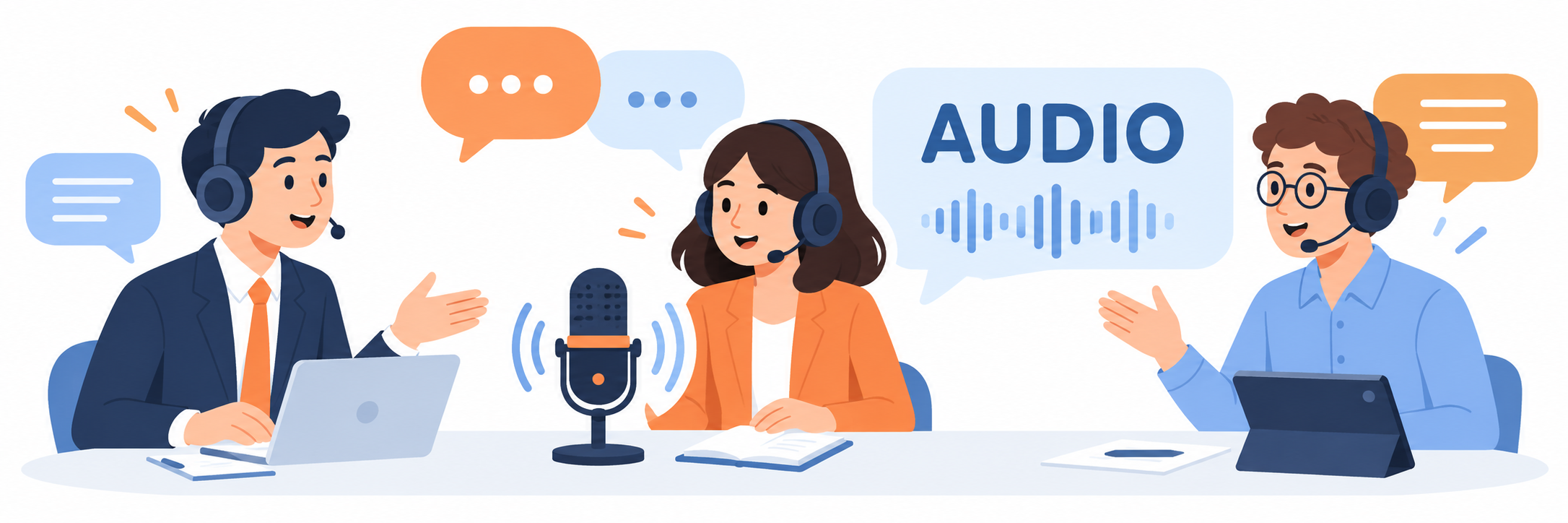
A group conversation is not simply a single-speaker translation task repeated several times. Distance, direction, and background noise all affect what a microphone can pick up. A small team sitting around a meeting table sounds very different from a conversation on a busy exhibition floor. Decide where the device will sit and who will speak toward it before comparing menus and feature lists.
For a conversation with two or three people taking turns, try placing a phone near the center of the table with its microphone unobstructed. Use a few minutes of ordinary conversation and see whether the incoming speech turns into captions consistently. Include names, numbers, and short replies. If people are spread across a classroom or a larger conference room, a computer meeting platform, an external microphone, or the platform’s own caption feature may fit the space better. The useful choice depends on the room and the way people are seated.
You do not need to start with a formal benchmark. A simple rehearsal can answer the first question. Seat three people where they would normally sit, talk for a few minutes, and review which parts came through. Once the audio path is clear, comparing translations becomes much more meaningful.
The first step in group interpretation is giving everyone’s voice one reliable route into the conversation.
02 Make captions easy to follow while people take turns
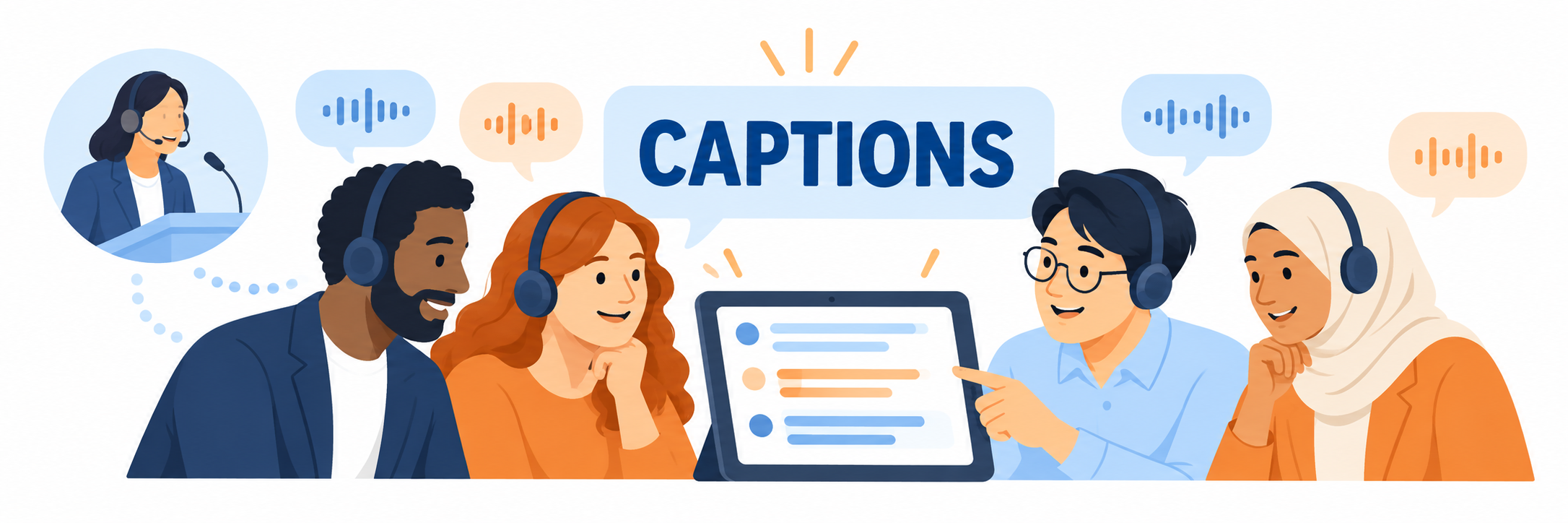
Not everyone in a discussion needs to look at the same screen in the same way. One person may want the original words to confirm a name. Another may rely on the translation to follow the topic. Someone else may prefer to listen first and join in when they are ready. How an app displays the original and translated text can affect how naturally people take part.
Try a short conversation with bilingual captions on. Ask one friend to say a few sentences, then have someone else answer. Notice whether the text is easy to scan, whether earlier lines remain available long enough, and whether you can follow the current turn. Speak at a normal pace. Keep the pauses, brief replies, and occasional interruptions instead of turning the test into a polished speech. That gives you a better sense of how the app will feel in everyday use.
For two or three people, a readable screen and clear caption updates may be enough. In a larger group, it can help to agree on taking turns and place the phone or computer near the center. Small conversational habits make it easier for the technology to support the group, and help everyone understand where the discussion has reached.
This is one reason bilingual captions are useful. People do not all need to read the same language; seeing both the original and the translation gives each person a way to follow along.
03 Check what you can do with the conversation afterward

Some conversations are finished once everyone understands the plan, such as friends deciding where to travel. Others lead to more work. A class group may need to assign tasks, a project team may need to capture decisions, and an interview may need a later review. In those cases, the tool’s job does not end when the last caption appears.
Think about what you are most likely to look up afterward. Is it a person’s name or a time mentioned in the discussion, or do you need to revisit a longer stretch of speech? If you are making video subtitles, bilingual SRT export can fit the next step. If you are following a class or meeting, being able to reopen an interpretation record can make review easier. Write down what matters before trying a tool, and you will have a clearer basis for comparison than a first impression alone.
Huhu, also known as 优秀同传, is an option for people who want to see original and translated captions while listening and return to the content afterward. It can save interpretation records and export bilingual SRT subtitles. The web experience also includes WAV and MP3 audio import and transcription. Visit the official Huhu website to see how it supports classroom, meeting, and cross-language communication workflows.
I would make the final choice during an ordinary group discussion. Start by placing the phone or computer where it would normally be, then note what the group needs to do after the conversation. That makes it easier to see whether the app connects live listening with review and follow-up. A useful group tool helps people finish their thoughts, understand one another, and keep the important details moving forward.
Three or four people around a table may speak different languages, but they share the same goal: to work something out together. When the audio reaches the device, the captions are readable, and the record is useful afterward, language no longer has to interrupt that conversation.
If you made it this far and found the article helpful, feel free to leave a like.
Thanks for reading. See you next time.