
Free Translation Apps in 2026: Text, Voice & Live Captions
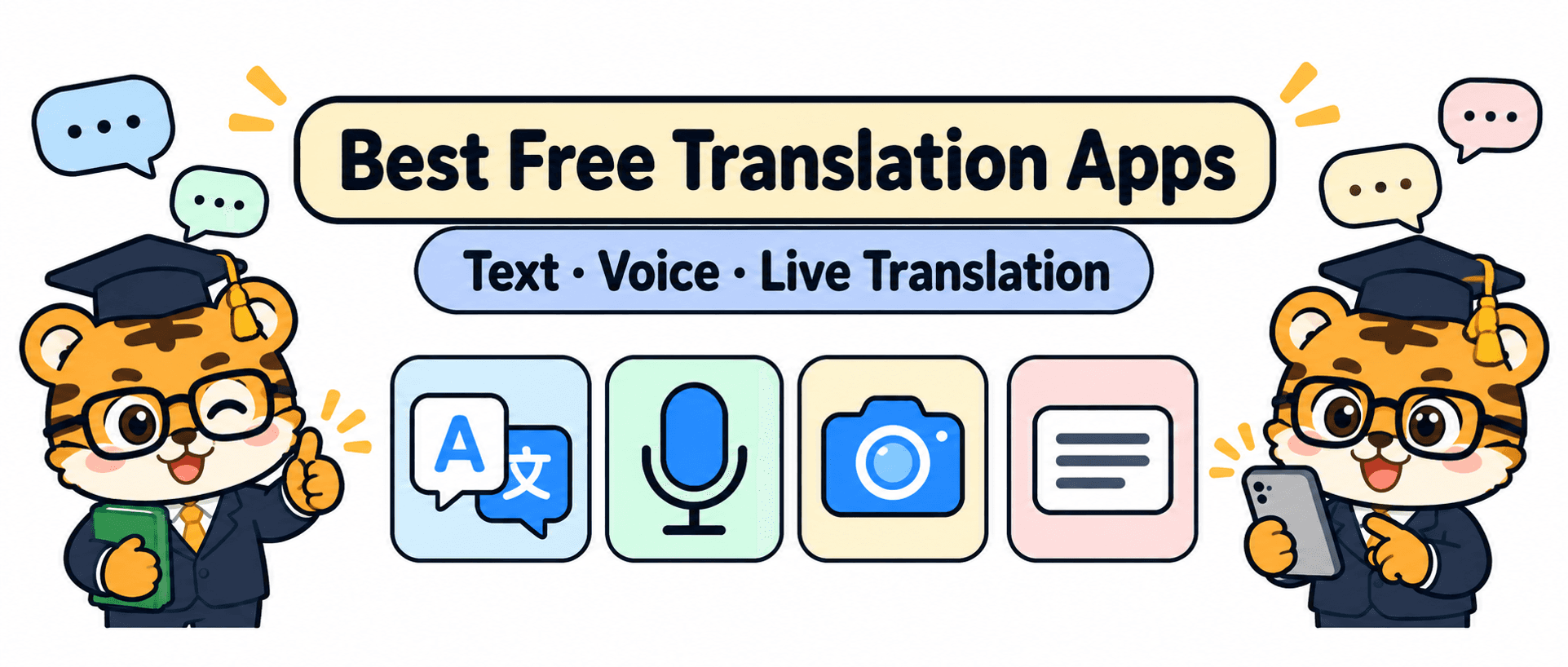
When people search for a free translation app, they may be picturing completely different moments. One person wants to read a menu.
Another needs to talk with a classmate. Someone else is heading into a lecture and hopes to follow a full stretch of English without losing the thread.
Those are three different jobs. Instead of pretending there is one universal winner, let’s look at what Google Translate, Apple Translate, Microsoft Translator, DeepL, and Huhu are designed to help with. Free features and subscription terms can change by version and region, so check the current app listing before relying on a particular allowance.
01 For text and images, start with the app that gets out of your way

For a short message, a menu, or a phrase you need to understand right now, the best tool is often the one that gets you to a usable answer with the fewest steps. Google Translate handles text, images, and speech, and lets you download language packs for offline translation. Its official help page describes text, photo, speech, and offline workflows.
If you already use an iPhone, Apple Translate is an easy option to try. You can enter or speak a phrase, point the camera at text, and download languages for on-device translation.
The advantage is a familiar path for quick, everyday translation. Apple’s iPhone guide shows how camera translation and copied results work.
DeepL is another app people consider for written text and conversation. Its mobile app supports translation and offers conversation-related features.
Which functions are available without an account or subscription can depend on the current version and region, so check the store listing you will actually use. DeepL’s mobile app guide is a useful starting point.
I’d test a short piece of text you genuinely need to read. Is it easy to paste, switch languages, and return to the result?
Those small steps matter more than a long feature list when you are in a hurry. Match the tool to the material coming in, then decide which app feels natural.
02 A face-to-face chat and a long lecture run on different rhythms

A face-to-face conversation has pauses. One person speaks, the other responds, and the phone can sit between them. Google Translate and Apple Translate both offer conversation experiences for this kind of back-and-forth.
Microsoft Translator also supports split-screen conversations on one device. Its official FAQ explains that some text and camera features can work offline after downloading language packs, while live speech conversations require a connection.
That setup can work well for ordering food, asking for directions, or arranging a meeting with a classmate. You do not need to capture a full hour or sort through subtitles afterward. Pick the languages, say the first thing, and keep the exchange moving.
A lecture, webinar, or meeting has a different pace. The speaker usually keeps going while you listen, understand, and take notes.
The useful question is no longer just whether the app can translate one sentence.
Can it keep receiving speech? Can you follow the original and translation together? Can you revisit a term after the session?
That is where a real-time interpretation app has a distinct role. Huhu, known in Chinese as 优秀同传, is designed for classes, meetings, and multilingual communication.
It can show live bilingual captions, save session records, and export bilingual SRT subtitles for later organization. Its web experience also includes WAV and MP3 audio import.
You can learn more on the Huhu website. For a quick exchange, use a conversation mode; for continuous listening, look at the full session workflow.
03 Choose a free setup by what you need to do afterward
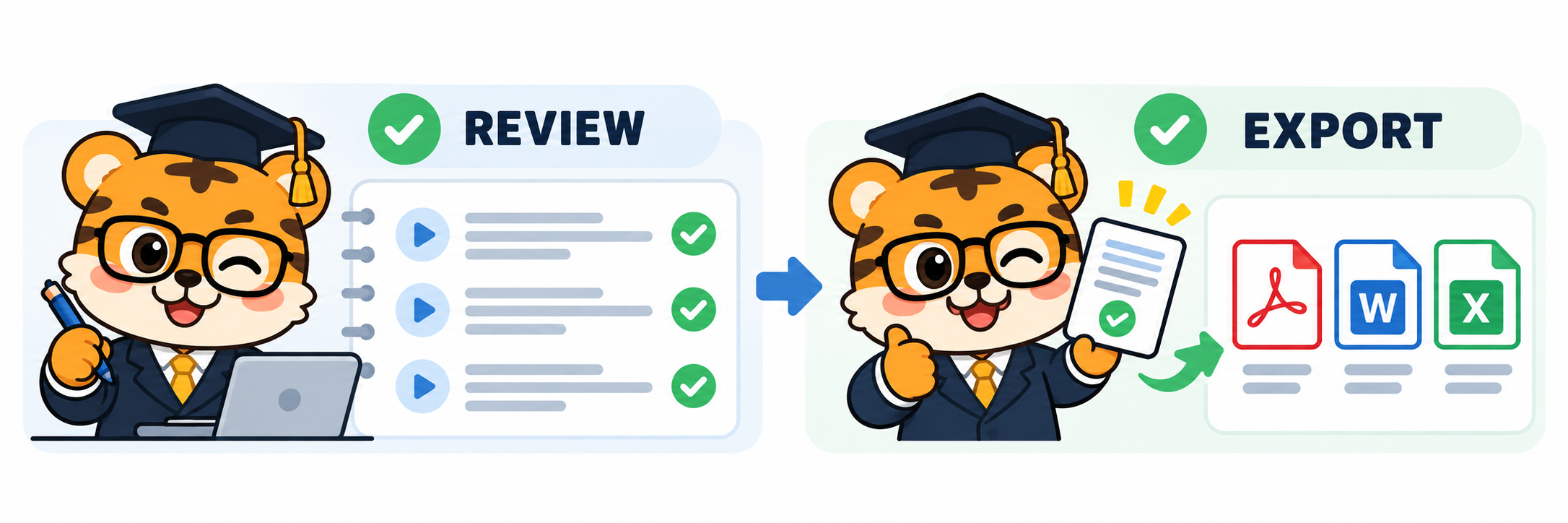
The final question is what you want to do after the translation. If you only need to read a menu, a quick translation is enough.
If you are reviewing a class, you may want to find the session record later. If you are preparing a video, subtitle export and editing become part of the task. One person can need all three workflows in the same week, so a single-app ranking may not help much.
Try three small tasks with your own material. Translate a paragraph you need to read.
Have a short conversation and see whether both people can follow the screen. Then play a short clip in the language you are learning and check whether the captions continue as the speaker talks and whether you can revisit them afterward.
This is not a lab benchmark, and one clip cannot establish a universal ranking. It is a practical way to see whether an app fits your day.
For text and camera translation, Google Translate is a versatile starting point. iPhone users can try Apple Translate in the interface they already know. Microsoft Translator is worth comparing when offline text and photo translation or a split-screen exchange matter.
DeepL belongs on the shortlist for written text and its current conversation features. For longer classes, meetings, or audio review, Huhu brings live bilingual captions, saved records, and SRT export into one continuous workflow.
Free translation apps are less like a leaderboard and more like a few useful tools in your pocket. Choose text translation when text comes in, conversation mode when you are taking turns, and real-time interpretation when you need to stay with a longer stretch of speech. Once you know what you are translating and what you want to do afterward, choosing an app gets much easier.
If you made it this far and found this useful, feel free to leave a like.
Thanks for reading. See you next time.