
Best Translation Apps for International Students [2026]
![Best Translation Apps for International Students [2026]](/_next/image?url=%2Fblog-covers%2Fbest-translation-apps-for-international-students-2026%2Fcover-en.png&w=3840&q=75)
I have sat in English classes where the professor is already on the next slide while I am still working out the previous sentence. A seminar can feel the same way: the conversation moves on before I have found the words to join in. For international students, class, discussion, and review are three different translation jobs.
I looked at several tools through those situations. Instead of trying to name one app as the absolute winner, it is more useful to ask whether it can help with the part of student life you face most often.
01 For a Full Lecture, Look for Captions That Keep Up
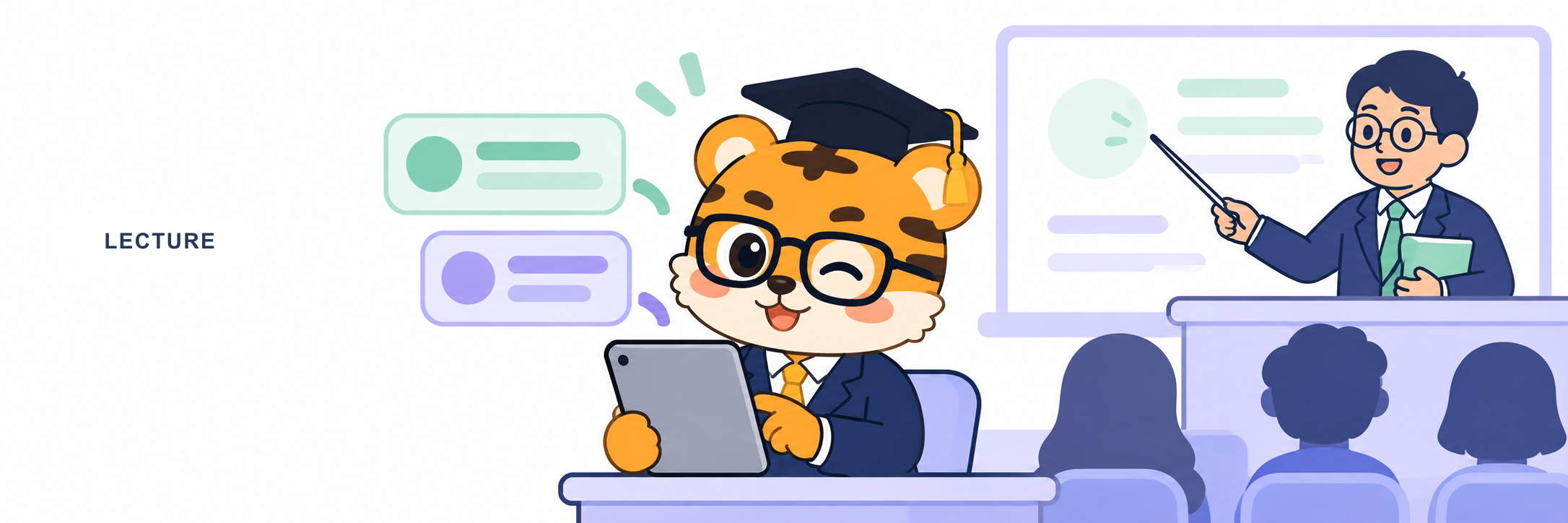
A lecture is not a queue of separate sentences. A professor moves from an idea to an example, adds a term, and keeps going. An app that works well for one question and one answer may be handy for a quick exchange, but it may not help you stay with a forty-five-minute class.
Google Translate’s Android app offers a speech transcription feature, and Google’s help page specifically lists lectures as a use case. It can turn ongoing speech into text so you can follow the general idea, and the workflow may already feel familiar if you use Google Translate every day. Microsoft Translator brings live conversation and captions into classroom and group settings.
It can fit a discussion where participants join a shared session and follow what is being said on screen.
DeepL Voice’s desktop app is more focused on online meetings. It can show live subtitles in Zoom, Microsoft Teams, and Google Meet, and it also offers voice translation. That makes it a natural option when your class already takes place on one of those platforms and you want translation close to the meeting window.
These tools may all be described as real-time translation, but their entry points differ. Consider whether you listen on a phone, watch a shared presentation, or sit at a computer for an online lecture.
I would try a ten-minute section from a class you are already taking. Notice whether captions continue to appear, whether the original and translated text are easy to scan, and whether you can recall the main idea afterward. You do not need to become a caption proofreader.
The goal is for audio, slides, and text to support each other.
If an app keeps pulling you away from the lecture to find a button, it may not be the right fit for that class.
02 In a Seminar, the Goal Is to Rejoin the Conversation
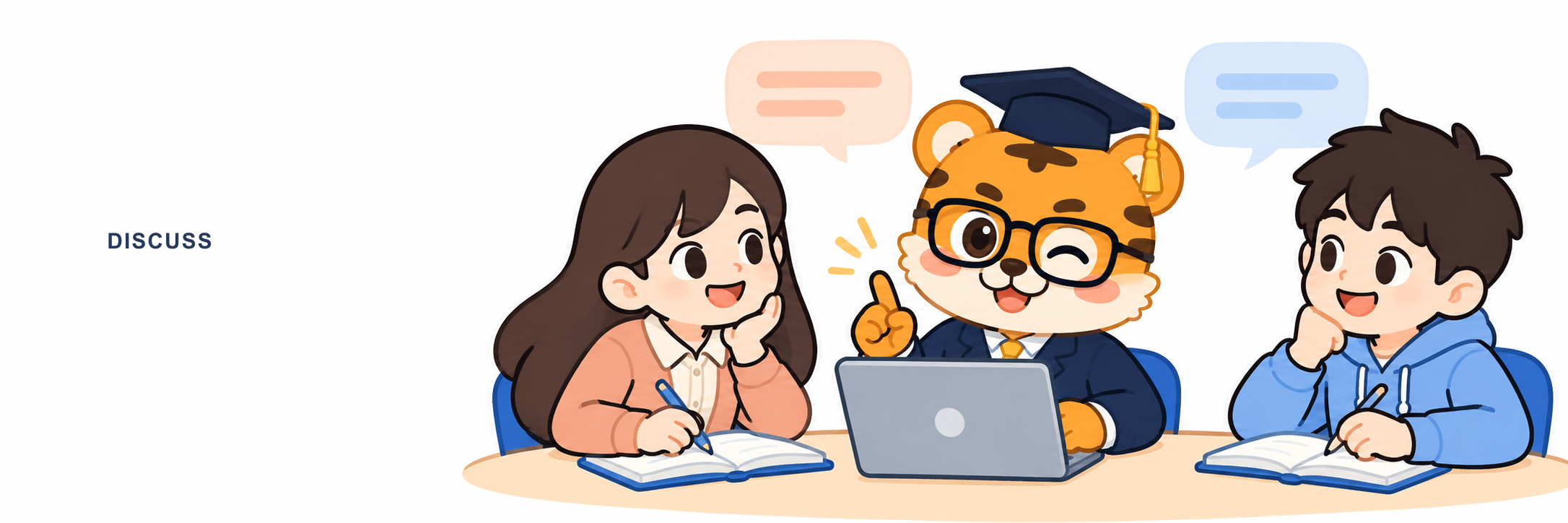
The hardest part of a seminar is often not a single unfamiliar word. People respond quickly. One student shares a point, another adds an example, and by the time you have prepared a reply, the group has moved on.
Live conversation translation and long-form transcription serve different needs. One helps you follow an exchange as it happens; the other gives you text to review later.
Microsoft Translator’s group conversation mode can work well when participants can join the same session. Google Translate’s conversation and speech translation features are convenient for a quick exchange with a classmate or a short question for a tutor. If the discussion takes place online, DeepL Voice sits close to the meeting workflow, with subtitles available alongside supported meeting platforms.
Notta leans further toward transcription and organization. Its workflow includes live transcription and bilingual transcription with translation, so you can return to the text after a discussion and shape it into notes. If you care about who raised which point and want to turn a conversation into study material, that kind of tool may fit better than an interface built only for instant interpreting.
Ask yourself one question before choosing. Do I need to join the conversation now, or organize it clearly afterward? For the first, look at how quickly you can start a session and whether captions are easy to glance at.
For the second, check how naturally recording, text, and translation work together. Seminars can already feel intense. A simple starting point helps keep your attention on the people speaking.
03 After Class, Keep Useful Ideas Within Reach
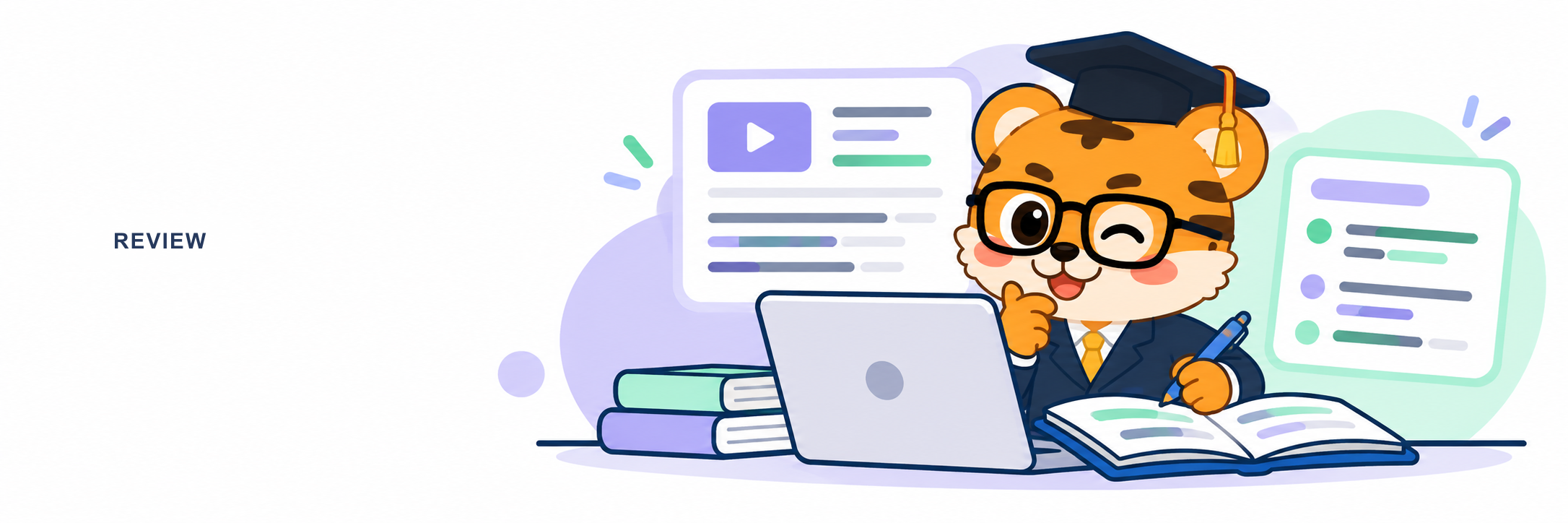
When class ends, your notes may contain only a few lines even though you remember that the professor gave an important example. At that point, another live translation window is not always what you need. You want to find the relevant part, check the terminology, and put the idea into your own words.
Google Translate’s transcription is an entry point for understanding speech in the moment; Notta is designed to carry recordings into transcription and organization.
If you use bilingual captions in class and want to continue the same routine afterward, Huhu is another option to consider. It is an AI real-time interpreting tool for classrooms, meetings, and cross-language communication, and presents recognized speech as bilingual captions with the original and translated text. You can save interpretation records and export bilingual SRT captions; the Web version also offers WAV and MP3 audio import and transcription.
This can bring following a lecture, revisiting the record, and organizing key points into one study rhythm. Learn more on the Huhu App Store page.
I like a simple review exercise. Choose five minutes of class, write down what you remember without looking at the captions, and then check the record for terms and details. You do not have to replay the whole lecture.
The point is to give something you just heard a little more time to settle. You can also take a keyword from a bilingual caption and add it to your own notes.
So when choosing translation software in 2026, start by separating the tasks. For a full lecture, look for continuous captions. For seminars and quick exchanges, check the conversation flow.
For review, look at records and export options.
No single app has to win every situation. The right one is the tool that helps you move from hearing, to understanding, to reviewing.
Thanks for reading. If you found this useful, feel free to leave a like.
Thanks for spending time with my article. See you next time.