
Best Travel Translation Apps in 2026: Voice, Camera, or Offline?
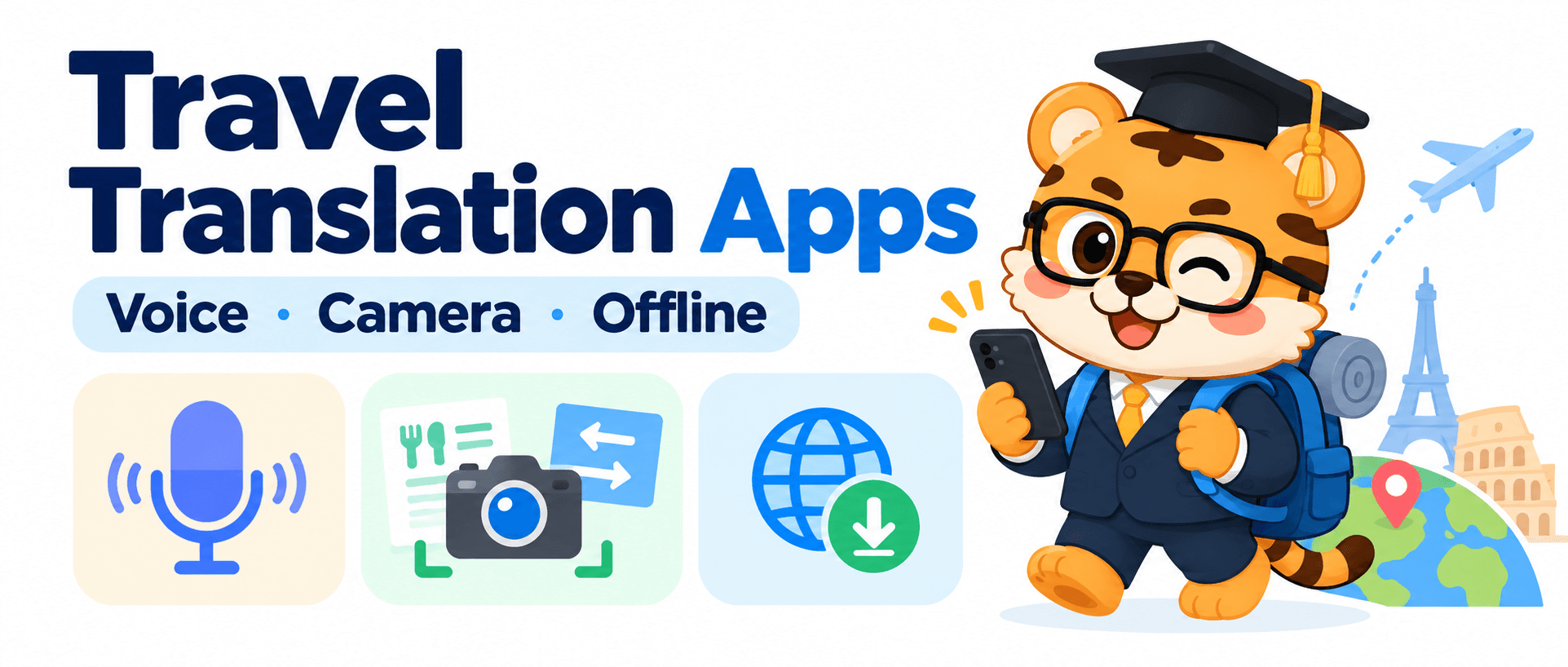
The most stressful moment on a trip is not always a long conversation you cannot follow. Sometimes it is a menu in your hands while the server waits for your order. You open a translation app, switch modes, point the camera, and try to speak, all in a few seconds.
I think choosing a travel translation app can create the same kind of clutter. You search for the best one, download several, and then wonder which button to tap when you actually need help. Yet travel translation has different jobs: asking for directions is a short conversation, reading a menu is an image task, and arriving without mobile data calls for offline language packs.
This guide looks at Google Translate, Microsoft Translator, DeepL, and Huhu through those three situations. It is not a lab ranking. The goal is to see where each tool fits into a trip.
01 For Directions and Meals, Start With Conversation

Asking which exit to take, checking whether a dish contains peanuts, or arranging a time with a host all call for a quick back-and-forth. Google Translate offers conversation and speech translation features, so it can help when you take out your phone for a short exchange. Microsoft Translator’s live conversation feature lets people join through its mobile app or a browser, which can be useful when more than two travelers need to follow along. The Google Translate feature guide and Microsoft Translator app features explain these options.
DeepL also offers real-time one-to-one conversations through Voice for Conversations on mobile and web, with an eligible Voice plan. It can suit someone who already uses DeepL and wants to carry that workflow into an in-person exchange. The DeepL conversation guide explains where to access it.
I would remember the differences this way: for a quick question, open the app that is already convenient; for a group conversation, look for a shared conversation mode; if DeepL is already part of your routine, its conversation feature may fit naturally. A small exchange does not need to become a technology test. Getting the question answered is plenty.
If your trip also includes a longer lecture, event, or foreign-language video, Huhu is designed for continuous listening. It turns speech into live bilingual captions, saves interpretation records, and can export bilingual SRT subtitles. See the [Huhu App Store page](https://apps.apple.com/app/优秀同传-行业领先ai翻译精准度-实时语音同声传译软件/id6738349594
-) for details. Short exchanges call for a conversation flow; longer audio can be easier to follow with captions.
02 For Menus and Signs, Use the Camera

Reading every menu item aloud into a translation app would turn dinner into a podcast recording. Image translation is more direct: point your camera at the text and find the lines that matter. Google Translate can work with text seen through the camera or images already on your device. Microsoft Translator lists camera translation among its app features. DeepL’s mobile app can translate text in photos and place translated text over the image. See the official Google image translation guide and DeepL mobile image translation guide.
Menus mix large headings with small print, and lighting is not always ideal. I use image translation to get the layout first, then zoom in on the categories or dish names I care about. With a street sign, identify the direction and place name before looking up more detail. You do not need to turn the whole menu into a polished document; you just need to understand the line in front of you.
One simple habit helps: steady the phone so the text is clear. If the image contains too much information, move closer and take two pictures. The best feature is often the one that helps you find the right line while the queue keeps moving. A useful travel tool makes the moment feel less frantic.
03 Download Offline Languages Before You Lose Signal
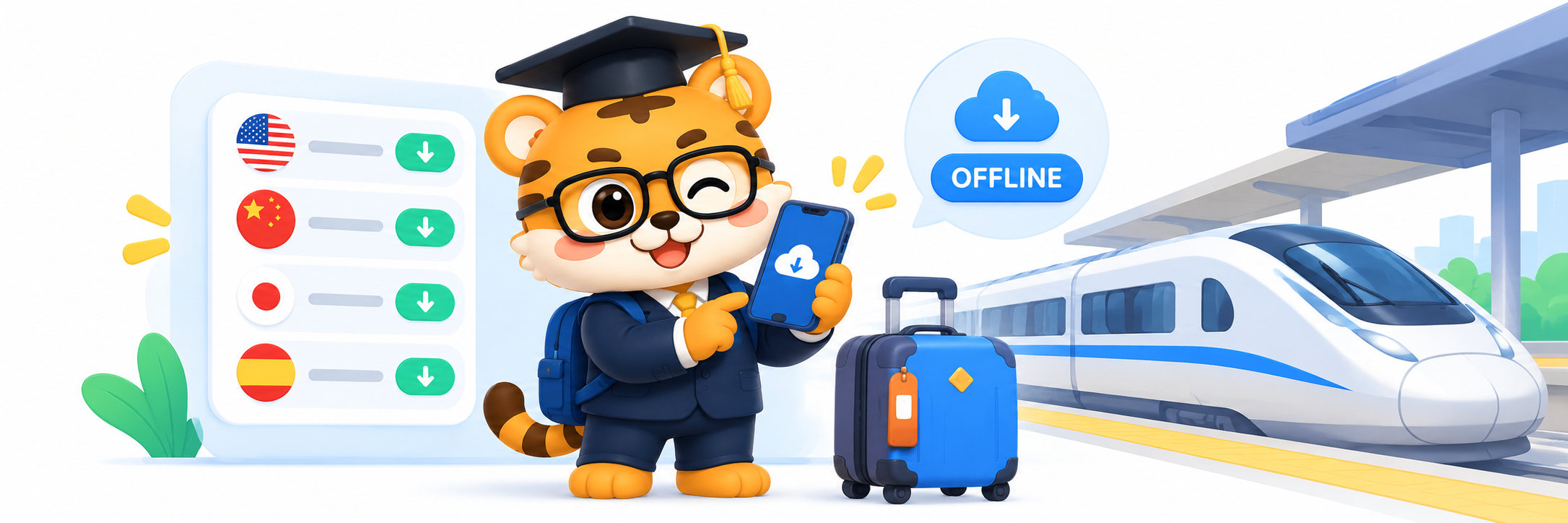
Airport Wi-Fi, underground stations, and a mountain guesthouse can make connectivity unpredictable. Google Translate and Microsoft Translator provide downloadable offline language packs, so you can prepare common languages before leaving. Google’s offline language instructions explain that downloaded languages work without an internet connection and show which languages are available. Microsoft describes its offline language packs for text translation without a connection.
Before departure, I would choose the language pair I expect to use, download it on Wi-Fi, and then do a quick check with the network turned off. Confirming that the offline option opens and returns a translation is more reassuring than discovering the download is still waiting when you reach the subway. DeepL’s image translation is useful when you are online; for offline moments, prepare Google or Microsoft as well. Apps can complement one another, and one tool does not have to cover every task.
If your trip includes a class, exhibition, long talk, or online meeting, Huhu is more useful for continuous listening, bilingual captions, and saved records. It connects live audio to something you can revisit afterward. For short travel exchanges, a regular phone translation app may be the simpler choice. Give each tool a job and keep the workflow easy.
So how do you choose a travel translation app? For directions and meals, look at conversation features. For menus and signs, look for camera translation. Before leaving reliable coverage, download the language packs you need. Five minutes of preparation at home can mean less scrambling through menus and settings on the road. That extra hand can finally go back in your pocket.
Thanks for reading. If you found this useful, feel free to leave a like.
Thanks for spending time with my article. See you next time.