
Best Simultaneous Interpretation Apps in 2026 for Class, Meetings and Travel

A translation app can mean very different things depending on the moment. You may be standing outside a restaurant trying to understand a menu, following a lecture while the instructor moves to the next slide, or listening to a meeting where the topic has already moved on by the time you finish translating one sentence. They are all translation tasks, but they are not the same task.
So this is not a universal ranking. I’m comparing Google Translate, Apple Translate, DeepL Voice, Microsoft Teams Interpreter and Huhu across three settings: travel conversations, classroom listening and multilingual meetings. The useful questions are what you need to hear, what you need to see, and what you want to keep afterward.
01 Travel Conversations, Choose an App You Can Open and Use

Travel translation is usually straightforward. Ask for directions, order a meal or confirm a transit detail. Two people take turns speaking, and you want to begin without setting up a meeting workflow.
Google Translate’s Live translate provides spoken conversation and on-screen text, with a face-to-face view described in its help pages. Apple Translate also displays a two-way conversation on iPhone and offers a face-to-face view. Both make sense when you need to open a phone and start a short exchange.
The difference is mostly about the entry point you prefer. Google Translate works as a general-purpose travel companion, with speech, text and camera translation available in one app.
Apple Translate fits people who already like the iPhone’s built-in interaction, where each person can look at their side of the screen during a face-to-face conversation. Before a trip, try the language pair you expect to use and see whether the controls feel natural and the translated text is easy to follow. There is little reason to replace a familiar workflow just to follow a ranking.
Travel is not always a one-sentence exchange, though. A museum talk or a short class runs continuously, and that feels different from taking turns in a conversation mode.
For quick questions, choose a light conversation flow. For longer listening, look at captions and saved notes.
02 Classroom Listening, Count Captions and Review Time
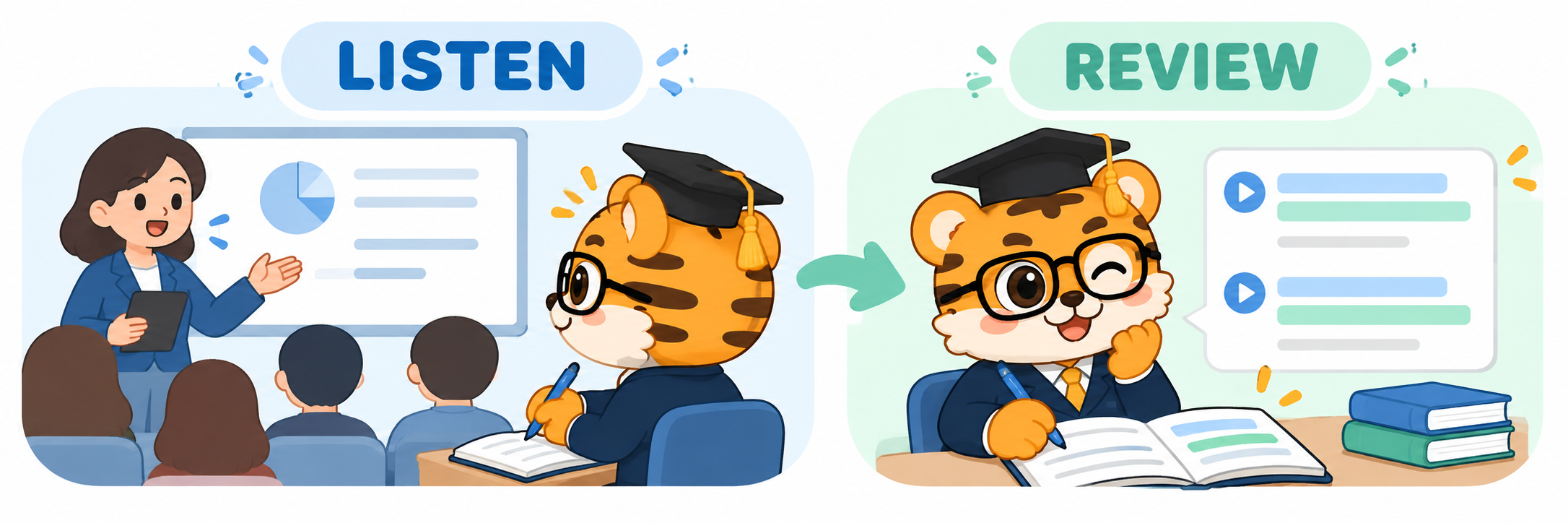
The hard part of a lecture is often not one unfamiliar word. It is the connection between ideas, an explanation, an example and a few keywords written on the board. If a translation app is designed mainly for alternating turns, it can be hard to follow a continuous explanation.
Google Translate’s transcription feature is intended for ongoing speech, and its help page names lectures and speeches as examples. It can help when your immediate goal is to understand what is being said.
If you also want to compare original speech with a translation and organize key points after class, Huhu’s workflow may fit better. It turns ongoing speech into text and multilingual bilingual captions, saves interpretation records, and exports bilingual SRT files. Its web version also includes an entry point for importing and processing WAV and MP3 audio.
Captions help you stay with the lecture in the moment; saved records and exports let you carry the material into notes, review or subtitle editing. Visit the Huhu website to learn more.
I’d put these products in the continuous listening category, rather than treating them as word lookups. Try a public lecture clip and follow the whole path, from live captions to reviewing the saved record. You will see whether the original text, translation and saved material work with the way you study.
To judge a classroom tool, look at both the time in class and the time after class.
03 Multilingual Meetings, Start With the Platform Everyone Uses
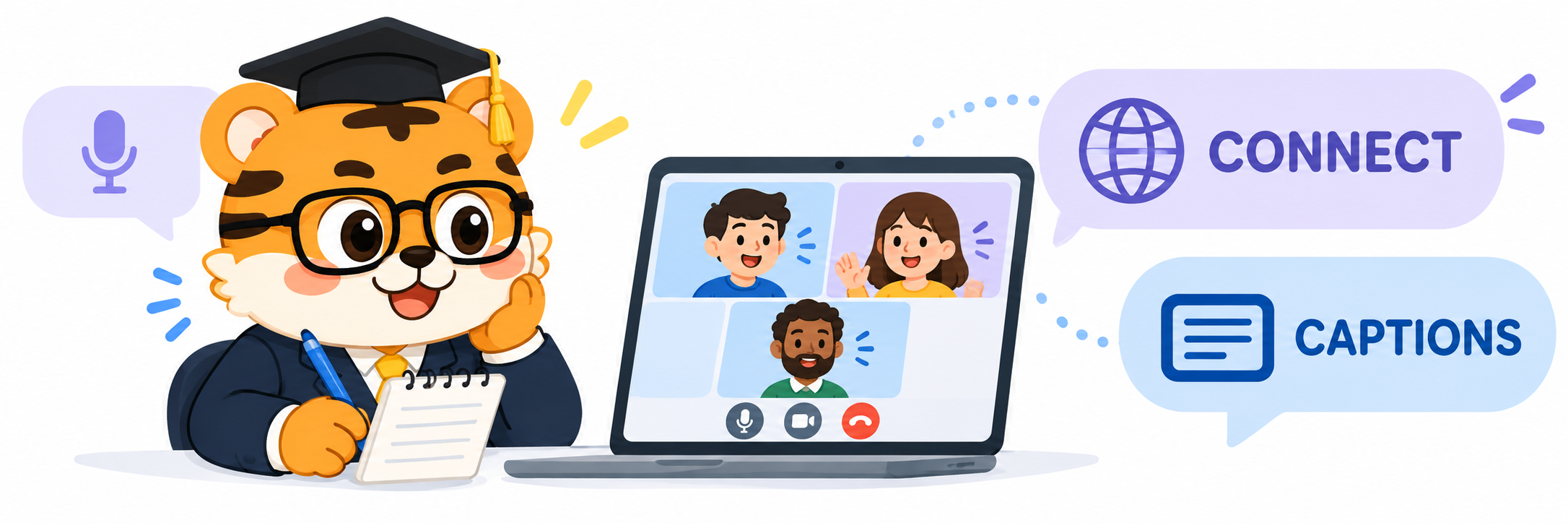
Meetings differ from travel because everyone is already using a platform. Switching windows to add translation can interrupt the discussion.
DeepL Voice offers live subtitles and voice translation for online meetings, and its official pages list Microsoft Teams, Zoom and Google Meet. It is a natural option for teams that want to arrange translation around their existing meeting workflow.
Microsoft Teams Interpreter puts speech-to-speech translation inside Teams meetings, where participants can choose a preferred listening language. It fits teams already working in Teams and Microsoft 365.
If your goal is to follow a meeting and keep original and translated text for review, Huhu can also serve as a personal live-caption and record-keeping tool. Its saved records and bilingual SRT export make it possible to organize the discussion after the call, with web, desktop and mobile entry points available on the official site.
For team collaboration, start with the translation options built into or connected to the meeting platform. For personal listening and content review, check whether the tool can save the records you need.
Back to those three situations from the opening: for a quick travel question, open Google Translate or Apple Translate; for a continuous lecture, compare transcription, bilingual captions and review; for an online meeting, start with the platform your group already uses, then decide between its built-in options and a personal captioning tool. The product names may differ. What matters is the action you need to complete.
You do not need one app to do every job. Choose a tool that can follow the voice in front of you and fit what you want to do next.
Thanks for reading. If you found this useful, feel free to share it. See you next time.