
Meeting Translation Tools: Captions vs Interpreters [2026 Guide]
![Meeting Translation Tools: Captions vs Interpreters [2026 Guide]](/_next/image?url=%2Fblog-covers%2Fmeeting-translation-tools-2026-platform-captions-interpreter-transcription%2Fcover-en.png&w=3840&q=75)
In a multilingual meeting, the hard part is often not one unfamiliar word. It is the moment the discussion moves on while you are still working through the last sentence. Afterward, the decision you need to find is buried somewhere in a long conversation.
So here is a practical way to compare meeting translation tools in 2026. Platform captions, a standalone interpreter app, and post-meeting transcription can all help, but they support different parts of the workflow. Start with what you need to understand during the call and what you want to keep afterward.
01 If you mainly need to follow the call, start with built-in captions

If your team already meets in Microsoft Teams or Zoom, the shortest path is often inside the meeting controls. Teams supports live captions and live translated captions. Zoom translated captions can turn speech in a meeting into captions in another language. A host or administrator may need to enable the feature, and account licensing or configuration can affect availability.
The biggest advantage is that the workflow is simple. The meeting is already there, and the captions appear in the same place. You do not need to route audio into another app while trying to keep up with a conversation. For an occasional project call or a quick update from a colleague, built-in captions are a natural first step.
I think of them as a whiteboard already set up in the meeting room. They are easy to reach. But if you want original and translated text saved together, need to review specific phrases later, or get audio from an in-person room, class recording, or another app, the platform may not cover the whole job. Teams treats captions, transcripts, and translation records differently, so check the current meeting settings for the workflow you plan to use.
The decision is straightforward. If your meetings stay on one platform and you mainly need to follow along in the moment, start there. If you need bilingual reading across more audio sources and a record you can take with you, consider the next two categories.
02 For live bilingual reading, a standalone interpreter can travel with you
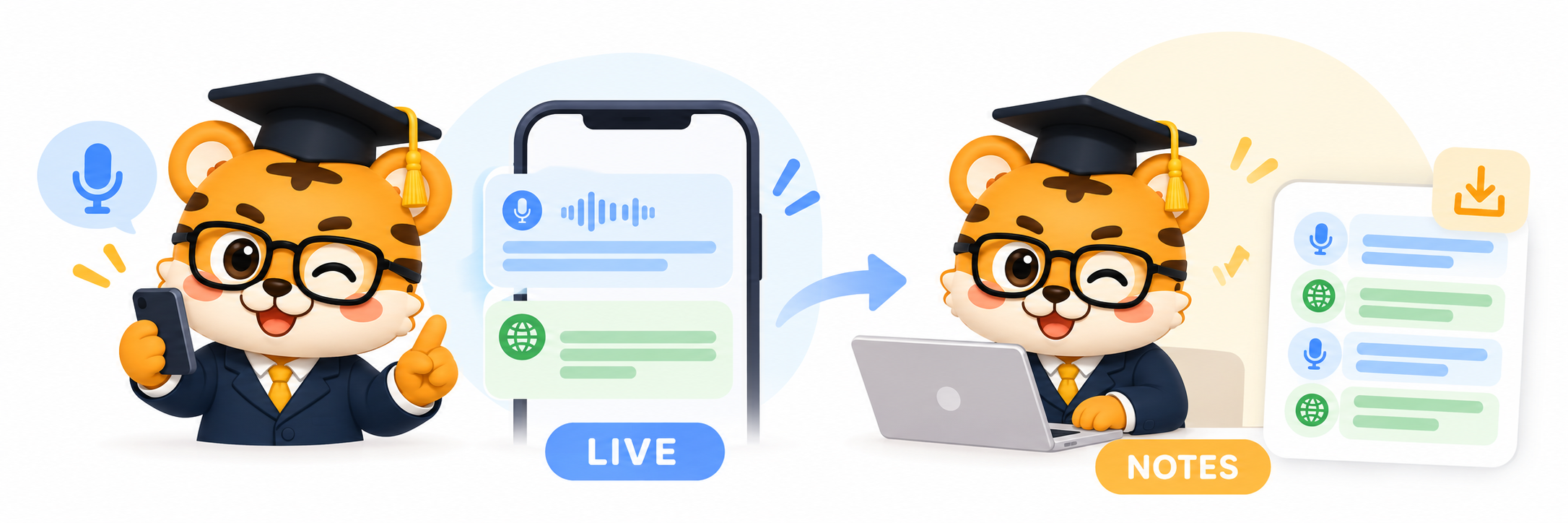
If you join meetings on different platforms, or also listen to lectures, training, and online events, a standalone interpreter tool may fit more situations. Instead of showing captions in one meeting client, it brings speech recognition, translation, and bilingual text together. Keeping the original beside the translation can help when a term is unfamiliar or you want to check how a point was phrased.
A useful way to choose is to start with the audio source. At a desk in an online meeting, you may use computer or browser audio. In a classroom or event venue, a phone may be easier to position. If you already have a recording, importing the audio may take fewer steps. These entry points matter more than whether an app sounds impressive in a feature list.
For bilingual captions in classes, meetings, and cross-language communication, Huhu is one option to consider. It provides AI-assisted real-time speech recognition and translation, displays original and translated text together, saves interpretation records, and supports bilingual SRT export. Its web version also accepts WAV and MP3 audio for transcription. That can connect live listening with material you want to organize afterward. Visit the Huhu website.
What I like about this kind of tool is how it shifts attention from What I missed to whether I can follow what is happening now You can read bilingual captions while the conversation moves, then use the saved record as a bookmark afterward. The point is to fit a tool into your workflow, not to expect it to make every judgment for you.
03 If the hard part comes after the call, use transcription and notes
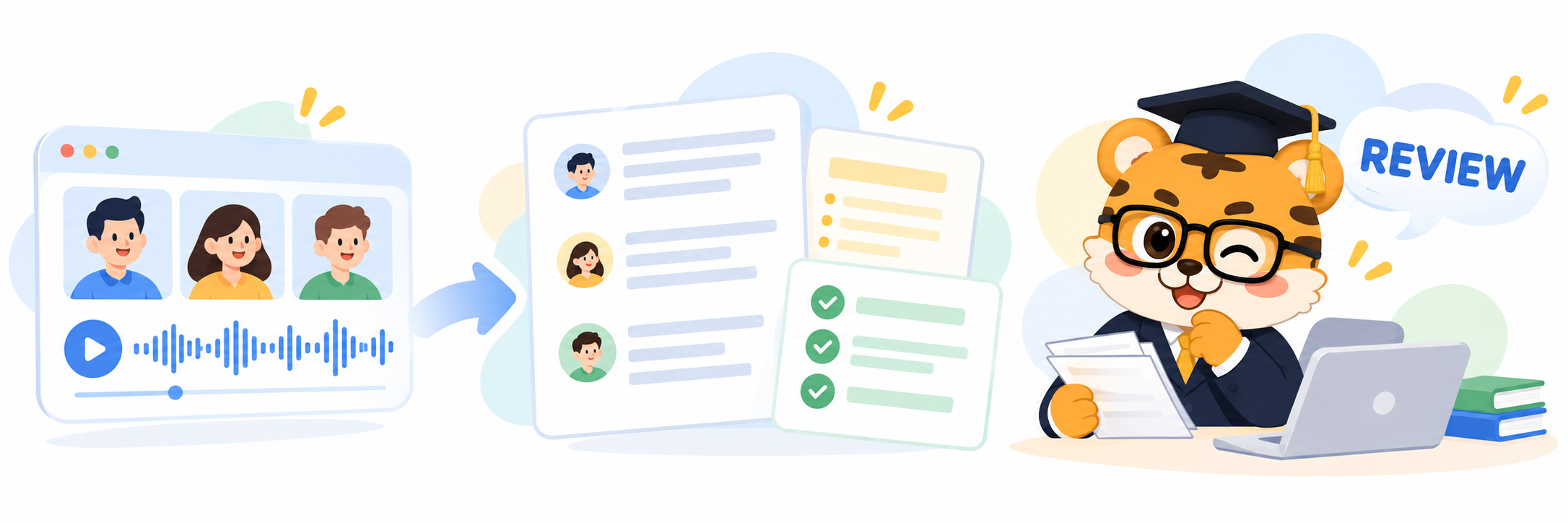
Sometimes you do not need every sentence translated live. The time-consuming part comes after the meeting, when you replay a recording to confirm who agreed to what. Transcription tools such as Otter focus on turning conversation into text and making it easier to review with summaries, action items, or topic outlines. Otter says its Notetaker can join Zoom, Google Meet, or Teams and produce live transcription and summaries, making it useful for follow-up work.
Transcription and live translation answer different questions. A transcript helps answer what was said A summary points you toward what to review Live bilingual interpretation helps you understand speakers using different languages while the conversation is happening. If you can review the recording after a long discussion, transcription may be enough. If you need to follow every turn in real time, a document that arrives later cannot do that job.
I think of the tools as a relay. Platform captions help you follow a call, standalone interpretation brings bilingual reading to more audio settings, and transcription makes a long conversation easier to search afterward. You can combine them instead of looking for one tool to do everything. Use platform captions during a familiar meeting, then organize an important recording later. If bilingual reading matters in the room, choose an interpreter workflow for that part.
Try the workflow with a real meeting. Check where the sound comes from, how captions appear, and whether the record is available afterward. The number of buttons is not the point. What matters is whether the tool can catch the conversation at the moments you need it.
One missed sentence should not pull your attention away for the rest of the meeting. Give platform captions, live interpretation, and post-meeting transcription their own jobs, and it becomes easier to focus on the discussion again.
That’s it for today. If you enjoyed this, give it a like.
Thanks for reading. See you next time.