
Best Real-Time Interpreter Apps: How to Compare Latency and Accuracy [Practical Guide]
![Best Real-Time Interpreter Apps: How to Compare Latency and Accuracy [Practical Guide]](/_next/image?url=%2Fblog-covers%2Fbest-real-time-interpreter-apps-latency-accuracy%2Fcover-en.png&w=3840&q=75)
When people compare real-time interpreter apps, two promises usually stand out: low latency and high accuracy. It is tempting to open a few apps, play different clips, and pick the one that seems faster. But the audio, speakers, devices, and network conditions are rarely the same, so that quick impression does not tell you much.
A more useful comparison starts with one question: can this app help me follow the kind of speech I actually listen to? Use the same sample, watch when the captions appear, check whether the original speech and translation preserve the important ideas, and see what you can do with the transcript afterward. Those are three separate things, and looking at them separately makes the choice clearer.
01 Make the comparison fair

Before timing anything, keep the conditions steady. Use the same device, recording, network, and playback volume for every app. Comparing a clean podcast in one app with a noisy group discussion in another mostly measures the difference between the audio samples, not the software.
Play a continuous passage and notice the gap between hearing a phrase and seeing it on screen. Do not stop at the first caption. Watch whether new lines keep arriving as the speaker continues, or whether they appear in a large batch after a long pause. For someone following a lecture, those experiences feel very different even if both apps eventually produce a transcript.
Then try a live speech sample from a consistent distance. An imported recording is useful for a controlled comparison, while live speech is closer to a classroom or meeting. Testing both helps you see whether an app fits audio review, live listening, or both.
Latency is not a single number that stays the same in every situation. Microphone pickup, network conditions, speech recognition, and translation all shape the experience. The practical question is whether the captions arrive while the topic is still in front of you. Once the setup is consistent, the comparison becomes much more meaningful.
02 Check the meaning, not just the word count

A fast caption can look impressive and still miss a name, number, or change in the speaker’s argument. Another app may take a little longer but produce a translation that is easier to follow. What matters is whether the tool helps you understand the content, not simply how many words appear on screen.
Choose a short passage that includes a name, a date or number, and a sentence that changes direction. Review two stages separately. First, did the app recognize the original speech correctly? Then, does the translation preserve the main idea? These stages are connected, but they are not identical. If the recognized text is wrong, a polished translation can still carry the wrong information. If the original is right, the translation can still miss a qualification or a logical relationship.
Keep the captions and check them against the audio after listening. Focus on details that would change your understanding: names, numbers, negation, cause and effect, and key terms. In a lecture, one missed concept may make the next few minutes harder to follow. In a casual greeting, a small wording difference may not matter at all. Your use case should shape what you count as a meaningful error.
If you regularly listen to material with specialized vocabulary, try a sample from that subject more than once. You will learn where the app follows along well and which terms deserve a second look. That tells you more than a broad claim about accuracy, because it reflects the content you actually need to understand.
03 Keep the value after the conversation ends
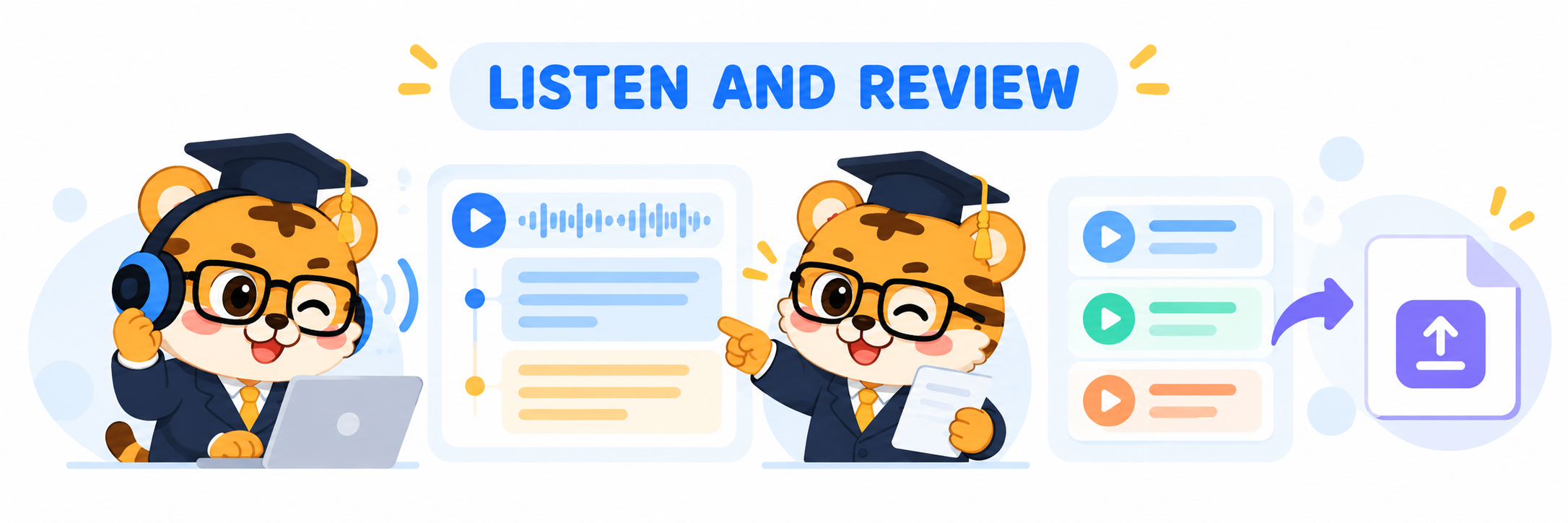
Lectures, talks, and meetings share one challenge: the speaker keeps moving forward. A translated line on its own can be hard to connect with the original sentence. Seeing both languages together makes it easier to compare what was said and follow the surrounding context when you look away for a moment.
I also check what happens after the session. Can you save the interpretation record? Can you export subtitles and use them for review or editing? A lecture may include a book title, an assignment detail, or a date you want to find later. Being able to return to the record can make the tool useful beyond the few minutes when the speaker was talking.
Huhu, also known as 优秀同传, is designed for classrooms, meetings, and cross-language communication. It provides real-time speech recognition with original and translated subtitles, lets you save interpretation records, and supports bilingual SRT export. Its web experience also includes WAV and MP3 audio import and transcription. If you want a tool that connects live listening with later review, visit Huhu on the App Store to explore how it works.
For a practical comparison, let each app listen to the same passage, note how the captions follow the speaker, check a few important ideas, and review what remains after the session. By then, the better fit usually becomes clearer. Someone following a lecture may care most about readable bilingual captions, while a team reviewing a meeting may value searchable records and subtitle export more.
Low latency and high accuracy can sound like two leaderboard numbers. In everyday use, they lead to simpler questions: can you keep following while the speaker continues, and can you find the important details again when the conversation is over?
If this guide helped, feel free to leave a like.
Thanks for reading. See you next time.